• +6 016 630 1147
  • ordernowmenu@gmail.com
POS & Kitchen Display

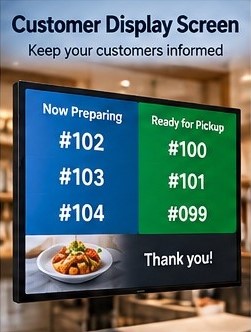
Customer Display Screen

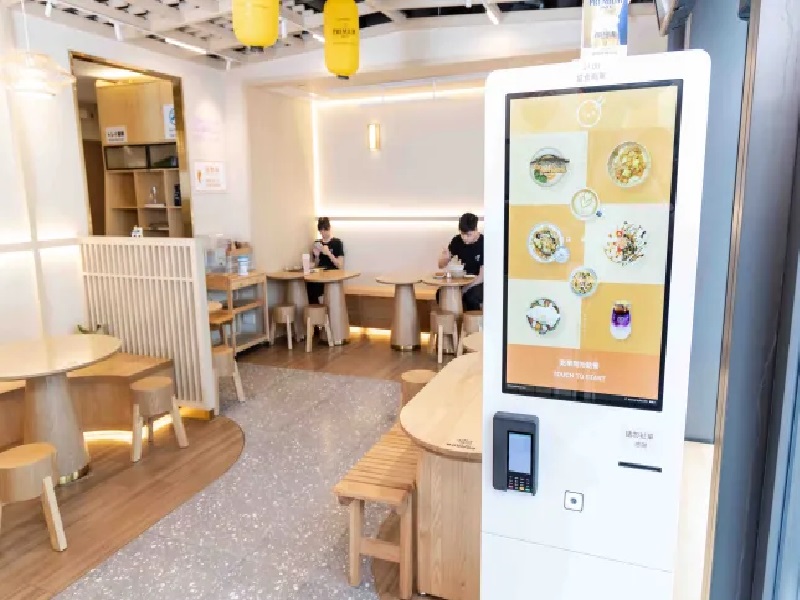
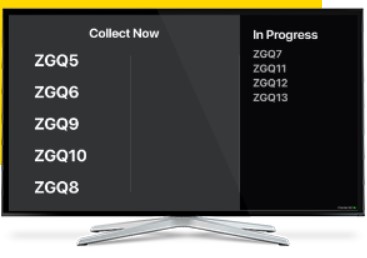
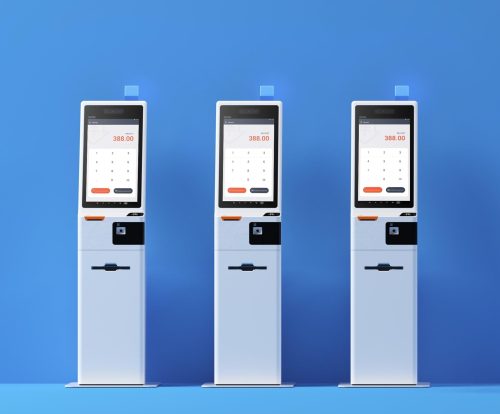
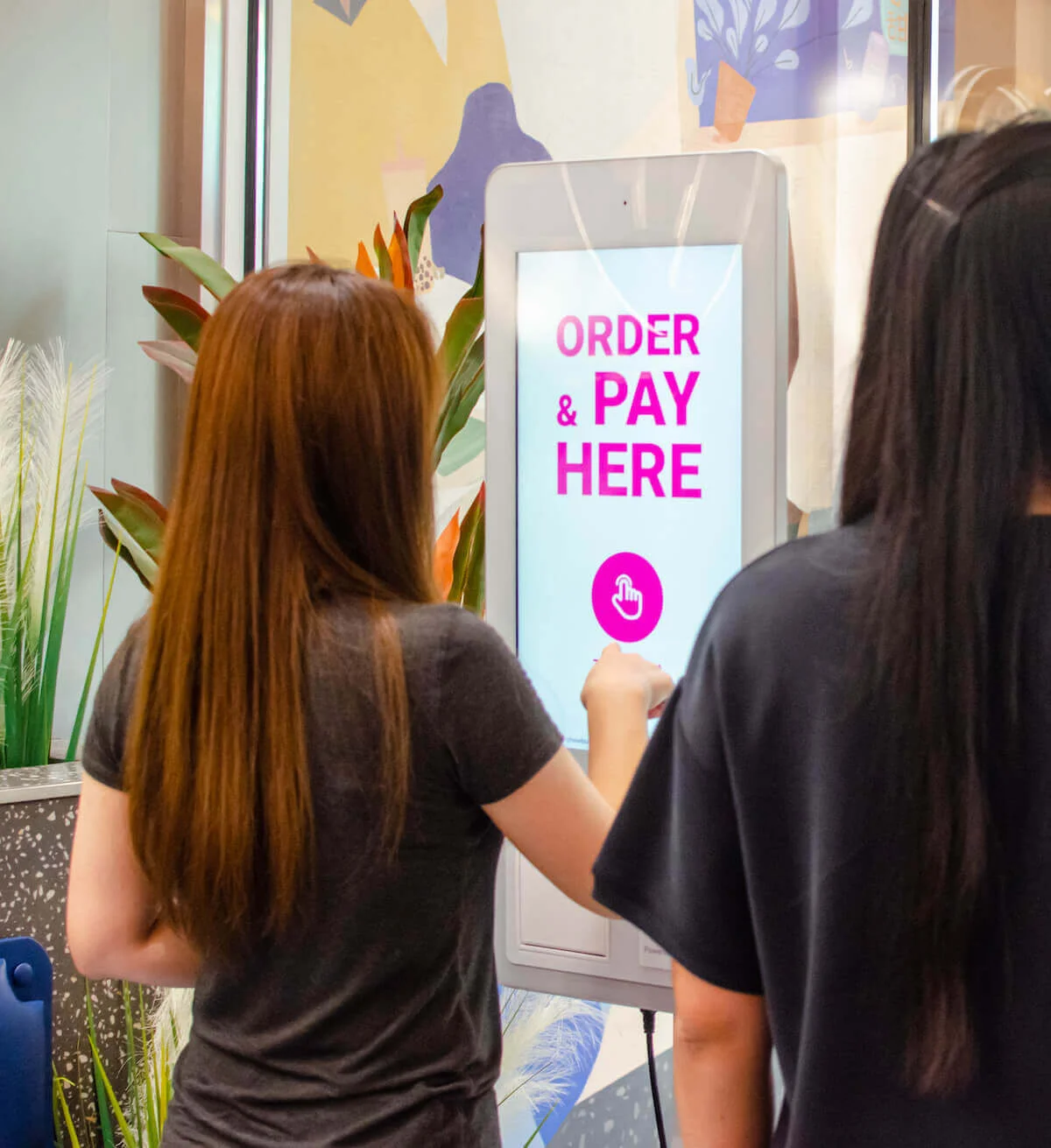
Give customers a dedicated view of their order and transaction information at the counter while staff continue working from the main POS screen.

Customer Display Screen

Create a clearer, more transparent checkout experience

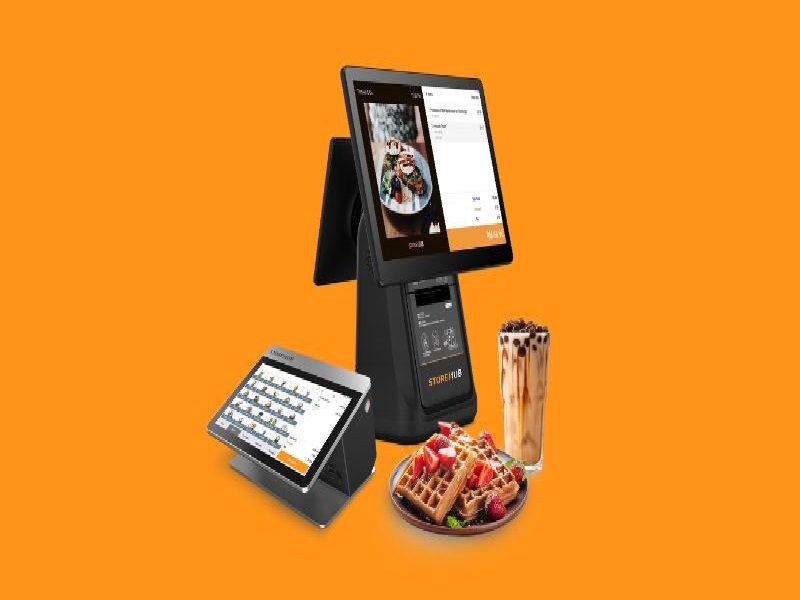
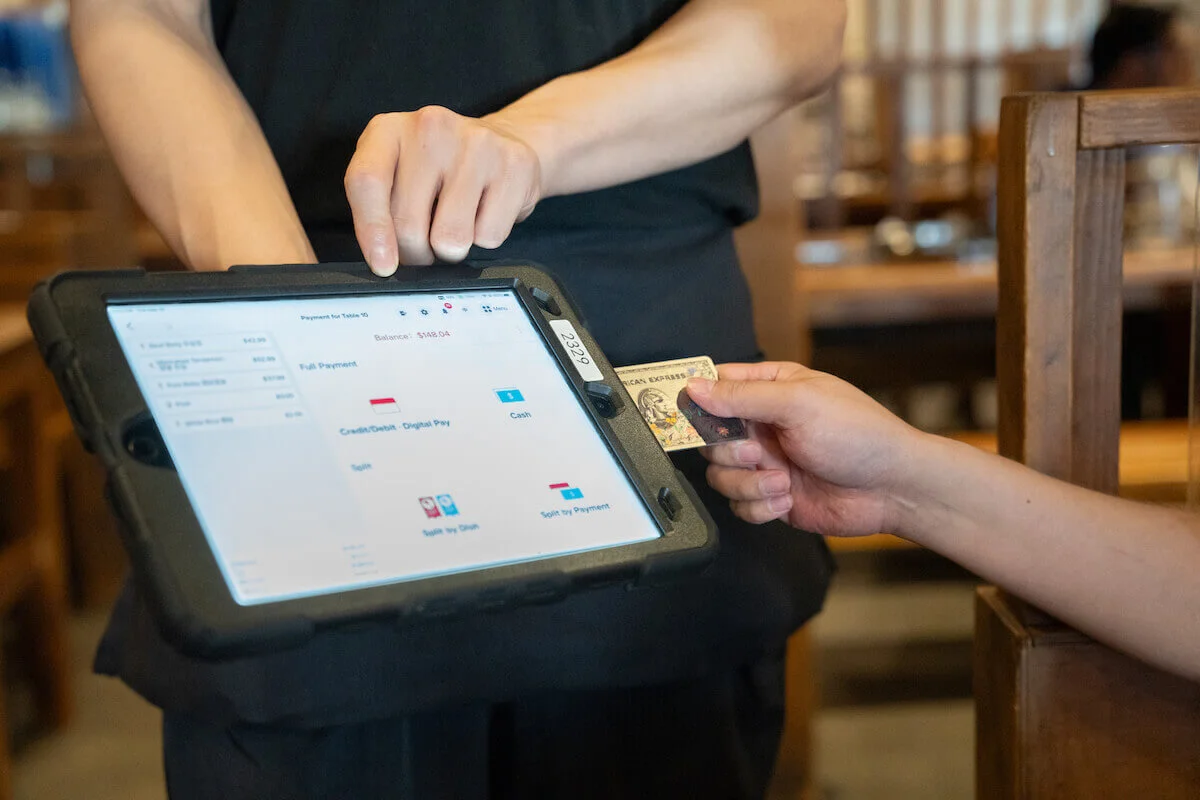
Customer Display Screen separates the operator's working interface from the information that is useful to the guest. During counter service, customers can follow relevant order details and transaction totals on a dedicated display rather than trying to read the cashier's screen. This creates a more professional checkout setup and can help customers verify their order before the transaction is completed.

Key benefits

  • Give guests a dedicated customer-facing screen
  • Improve visibility of order and total information
  • Keep the cashier interface separate from the guest view
  • Create a more professional counter presentation
  • Help customers verify transaction details during checkout

A customer-facing view connected to the POS

The display focuses on transparency and presentation: show the guest what matters while keeping operational controls on the staff terminal.

Order preview

Show relevant items from the current transaction so the customer can follow what has been entered.

Quantity visibility

Present item quantities clearly where supported by the customer-facing transaction view.

Running totals

Give customers visibility into relevant transaction totals during the checkout process.

Dedicated display mode

Use a separate customer screen instead of exposing the full operator POS interface.

Checkout confirmation

Support a clearer final review of the transaction before or during completion.

Connected POS updates

Keep the customer-facing information aligned with the active POS transaction.

Make counter checkout clearer for your customers

Pair Customer Display Screen with Order Now Menu POS for a two-screen counter setup that separates staff controls from guest-facing transaction information.

Explore Plans Talk to Sales
;