Give the kitchen a clear digital view of incoming orders, preparation priorities and order status so teams can coordinate work without relying only on printed tickets.
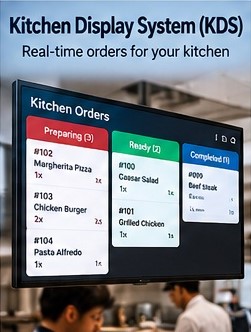
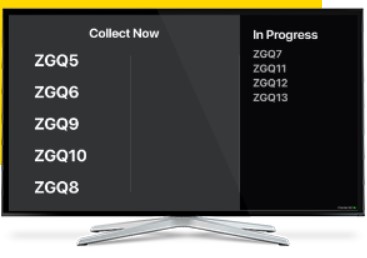
Kitchen Display System brings active preparation work onto a dedicated screen where kitchen staff can see what has arrived and move orders through their preparation process. Instead of sorting through paper tickets alone, teams get a structured view that can make busy periods easier to follow. Connected digital order information also reduces the need to re-enter details between front-of-house and kitchen workflows.
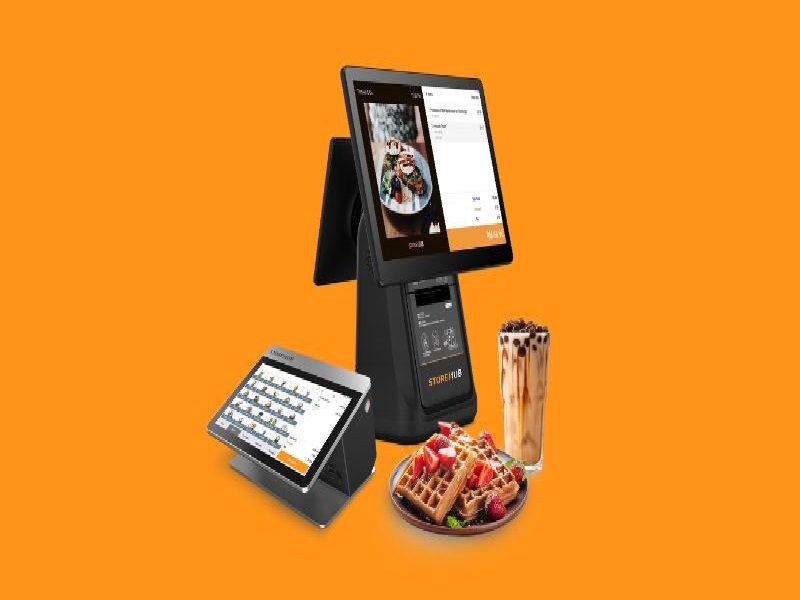
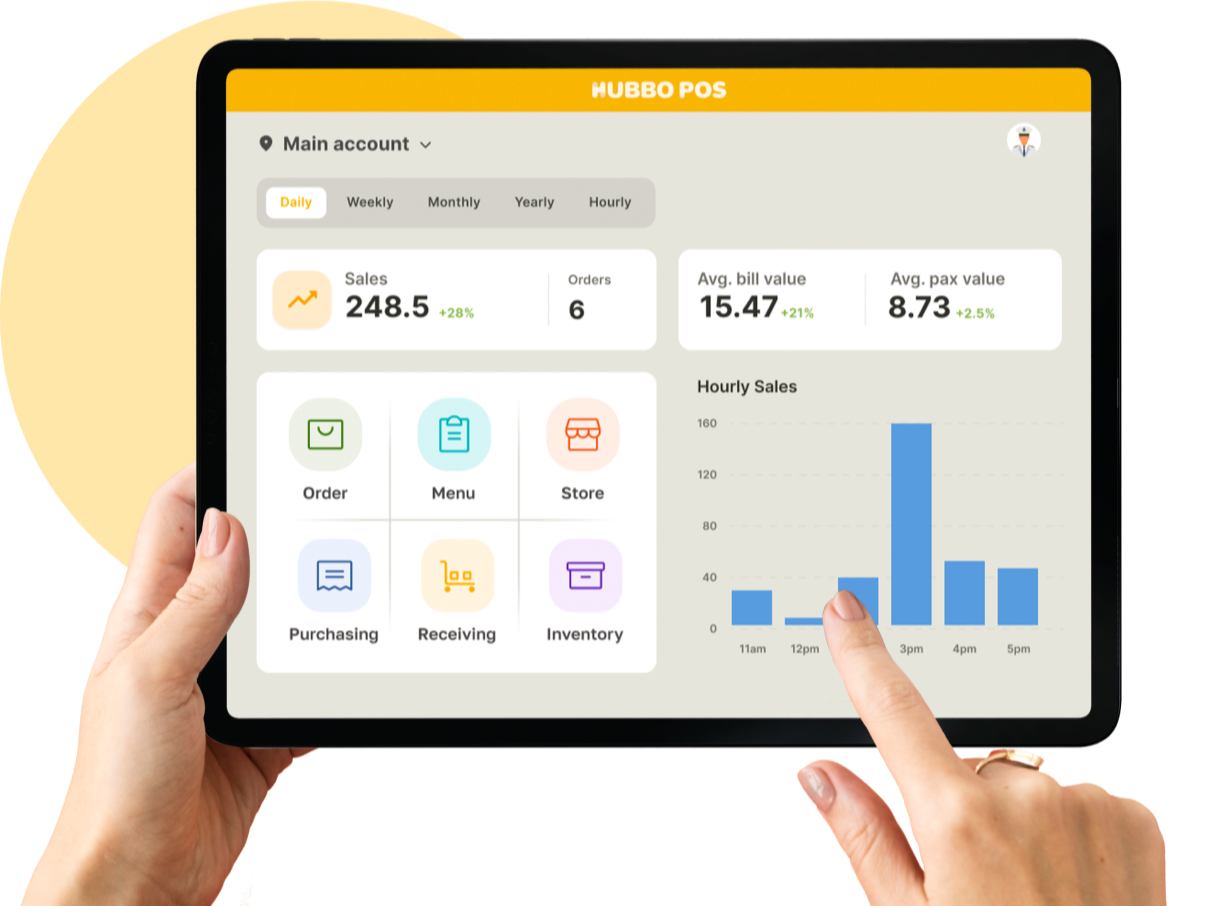
KDS capabilities are intentionally different from POS features: the emphasis is on what the kitchen needs to see, prepare, prioritize and complete.
Display active orders in a kitchen-oriented view so preparation teams can see new work as it enters the workflow.
Show the menu items, quantities and relevant order information staff need during preparation.
Keep active kitchen work organized so staff can understand what is waiting and what is already underway.
Move orders through configured preparation states as kitchen work progresses.
Provide useful queue and timing visibility that helps teams recognize orders requiring attention.
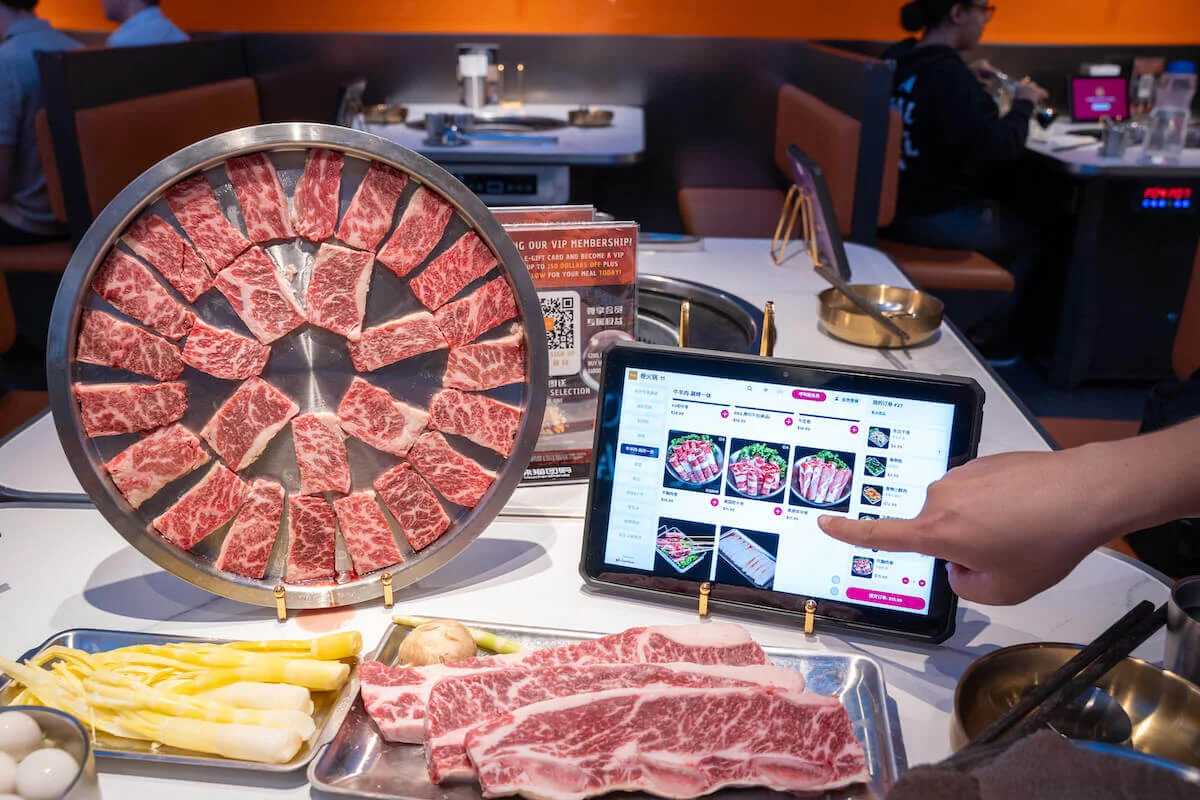
Receive digital order information from connected ordering or POS workflows without unnecessary manual rewriting.
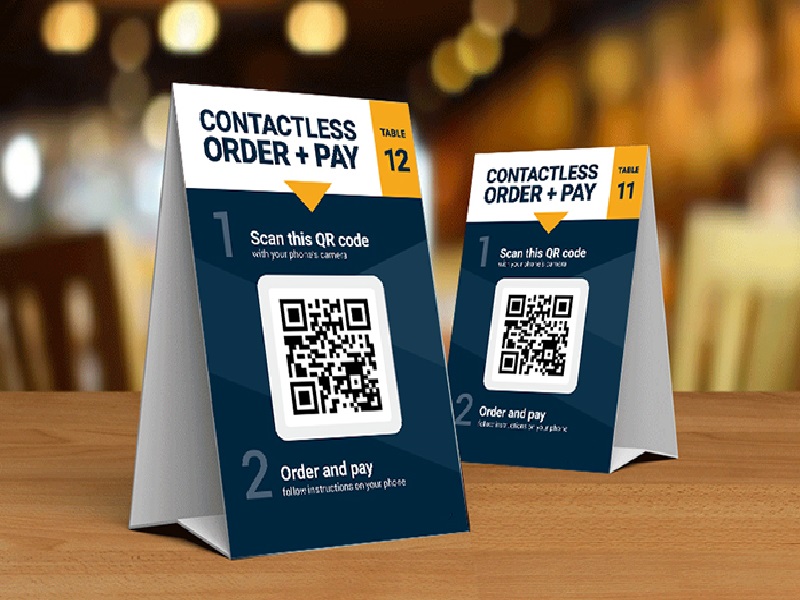
Connect KDS with POS and digital ordering so incoming orders can move into a more structured preparation workflow.
Explore Plans Talk to Sales