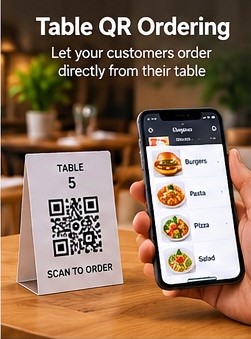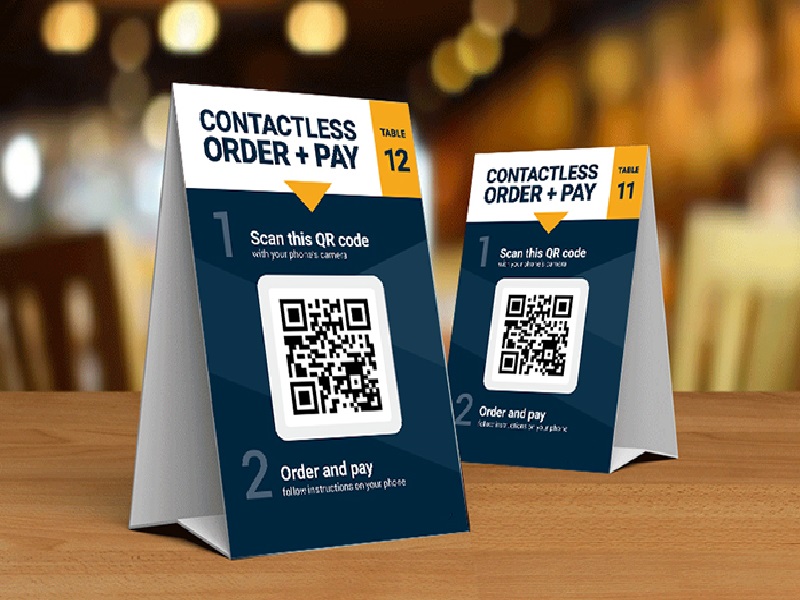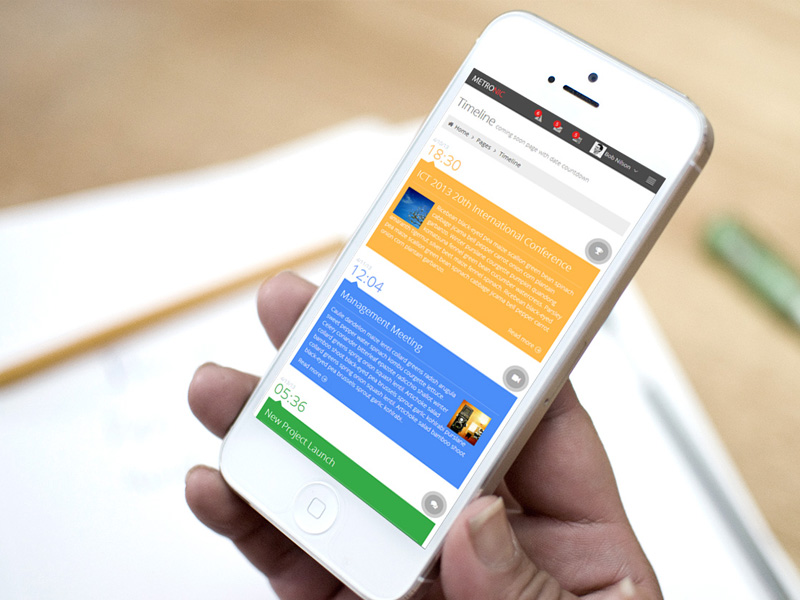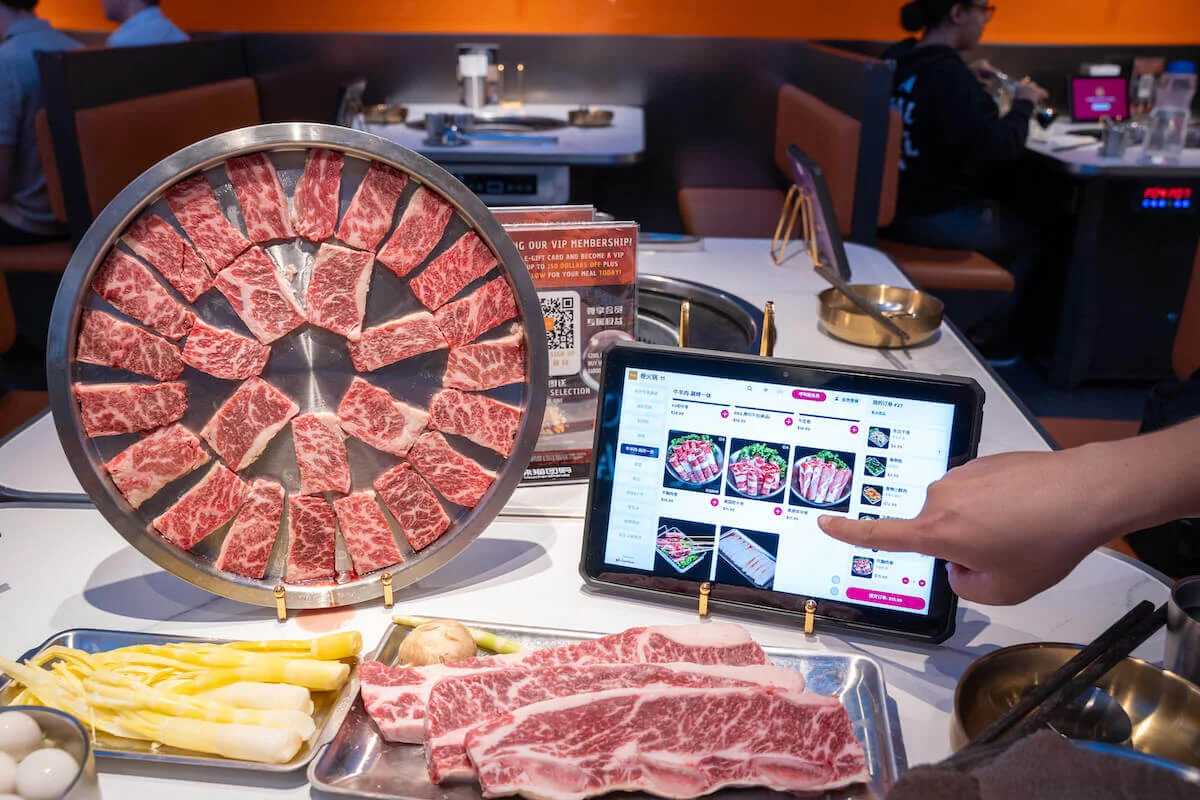
Let dine-in guests scan the QR code at their table, browse the menu and build an order from their phone while preserving the table context your team needs to serve them correctly.
Table QR Ordering extends the digital menu into an active dine-in ordering workflow. A table-specific QR entry point helps associate the guest journey with the correct service location, reducing ambiguity when digital orders reach the restaurant. Guests can browse at their own pace, review item details and submit selections without waiting for a printed menu or repeating every choice to a staff member. For busy service periods, this can complement waiter-led service by reducing repetitive order-taking steps while keeping staff focused on hospitality, delivery and exceptions.
Each capability is centered on the dine-in journey: identify where the guest is seated, make ordering simple, and give the restaurant useful context when the order arrives.
Connect the ordering entry point with a particular table so the service location can remain part of the order context.
Allow customers to browse, select items and build an order directly from their mobile device.
Present available item options and selections as part of the digital ordering flow where configured.
Give guests an opportunity to review selected items before submitting the order.
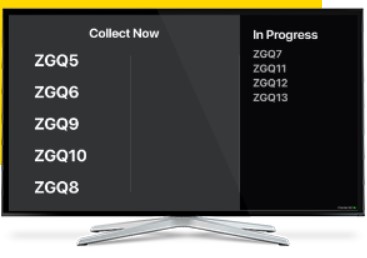
Move submitted digital orders into the restaurant's processing workflow so staff can act on them.
Keep table information visible to help front-of-house and kitchen teams understand where dine-in orders belong.
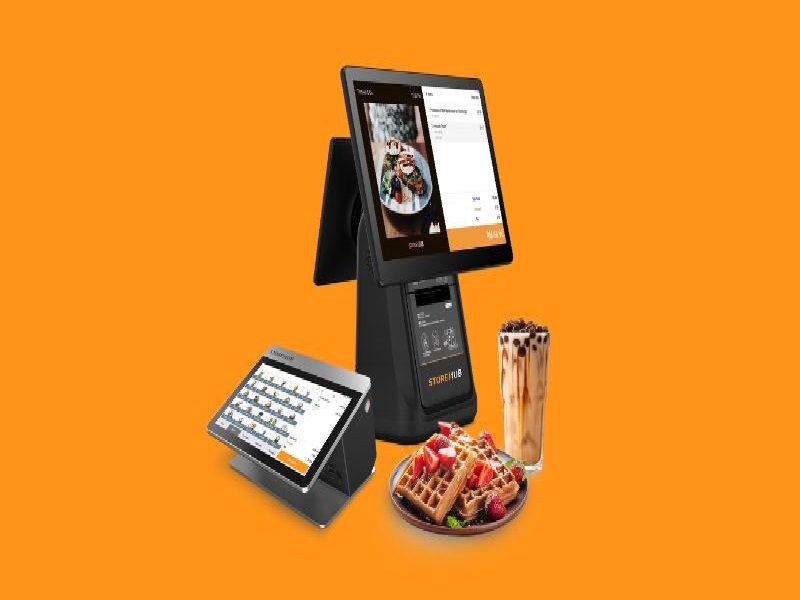
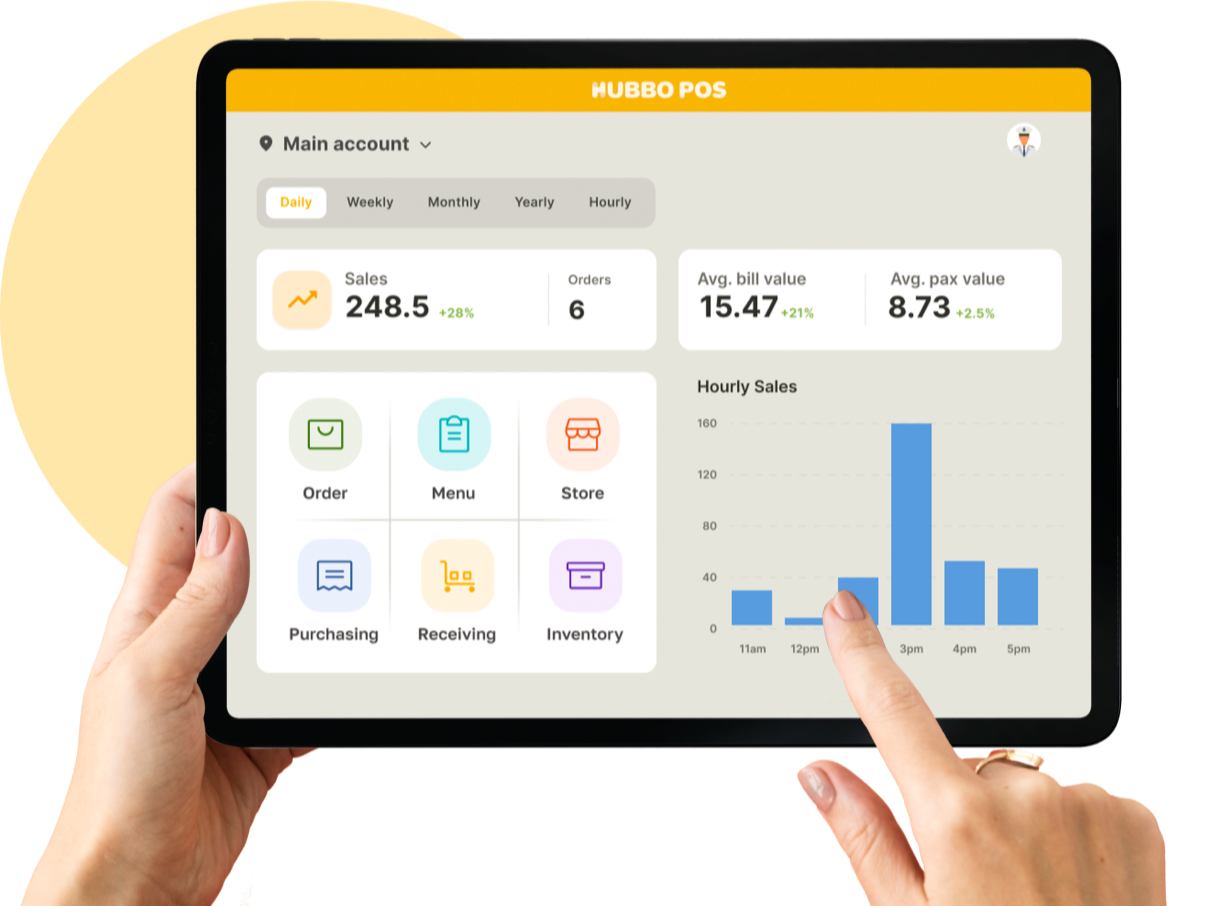
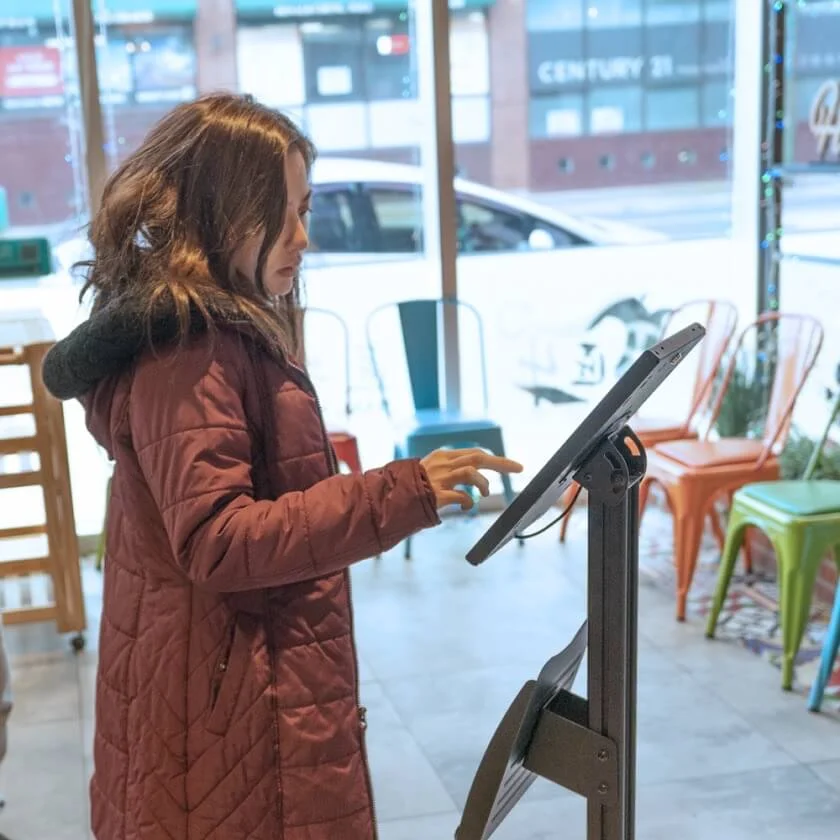
Use Table QR Ordering as a self-service option alongside your existing service model, then connect it with POS and kitchen workflows for a more integrated operation.
Explore Plans Talk to Sales