• +6 016 630 1147
  • ordernowmenu@gmail.com
POS & Kitchen Display

Point of Sale (POS)

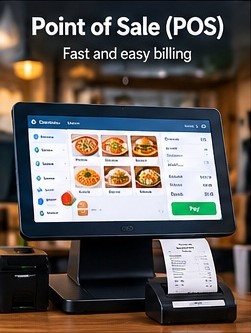
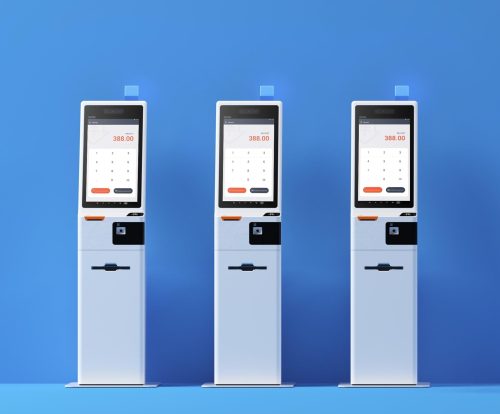
Run restaurant order entry, billing and checkout from a centralized POS workflow designed to keep front-of-house transactions connected with the rest of your operation.

Point of Sale (POS)

Bring ordering, totals and transaction handling together

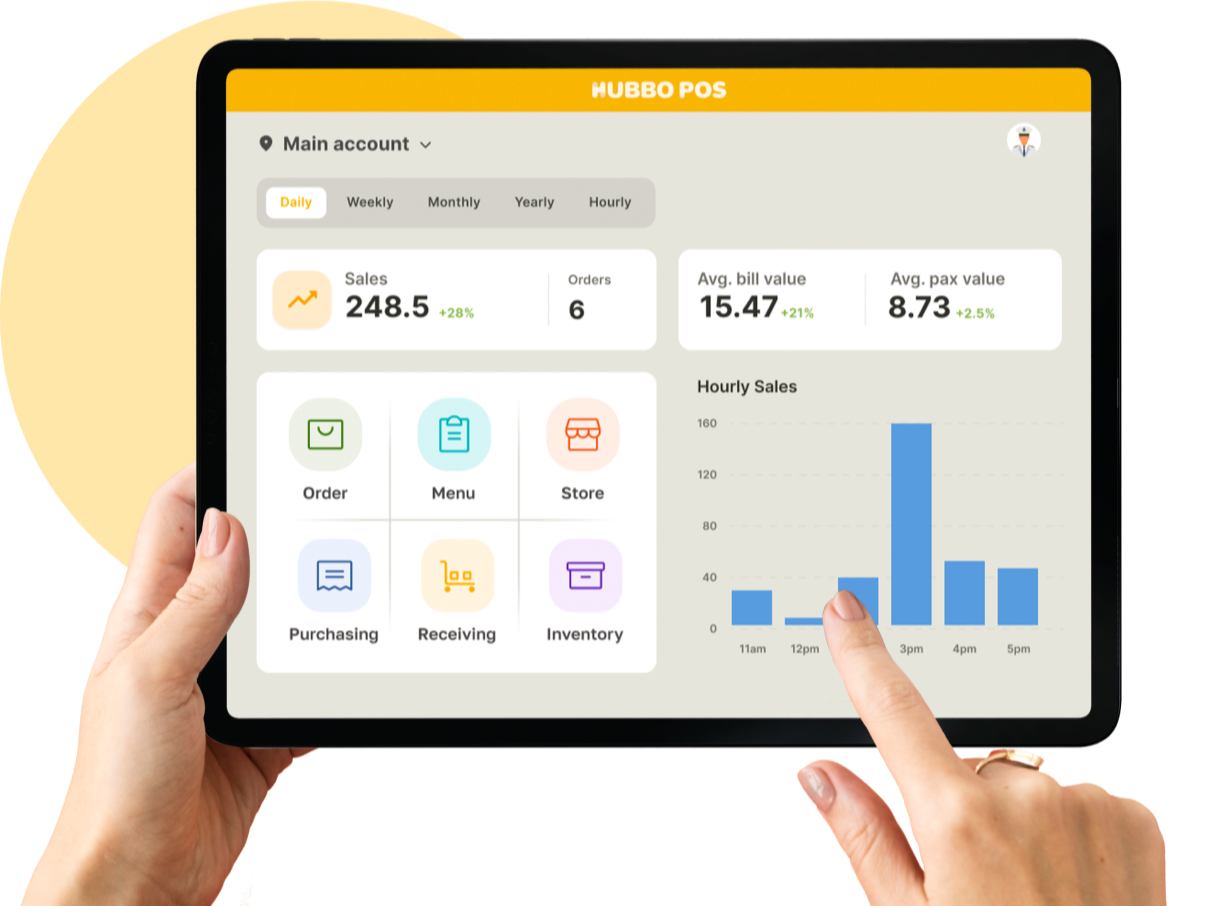
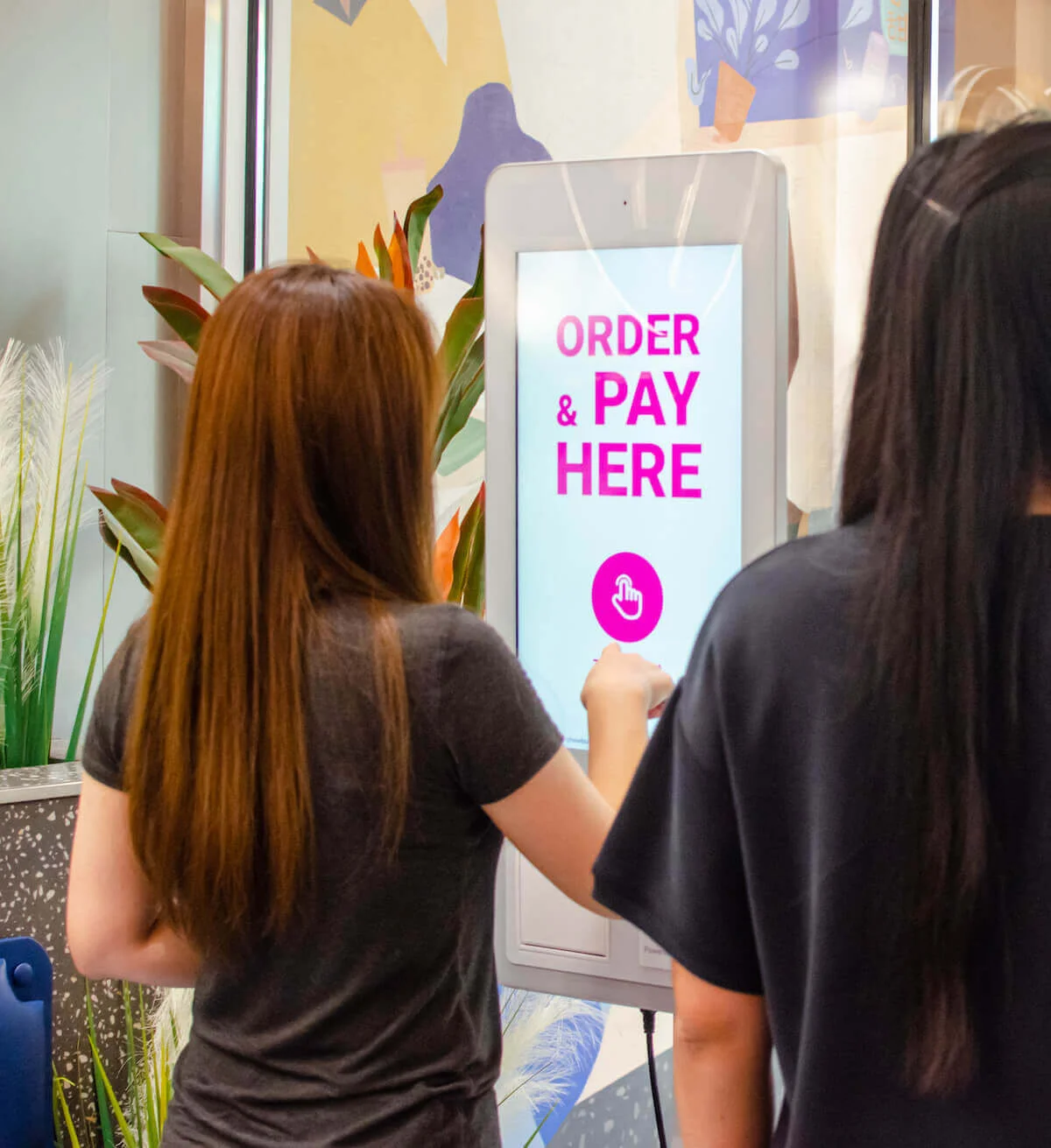
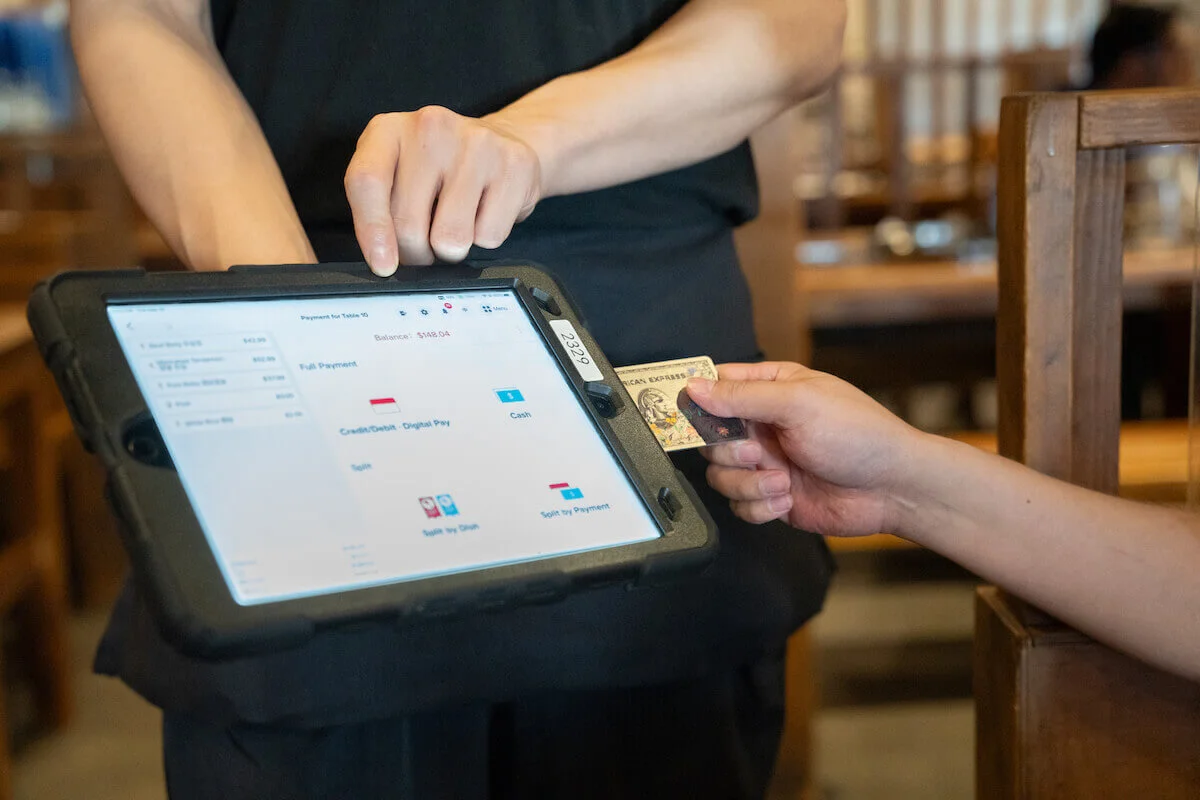
Order Now Menu POS provides the operational workspace staff use to create orders, review items, calculate totals and progress transactions through checkout. A restaurant POS should do more than replace a cash register: it should give staff a clear view of the active order and connect front-of-house activity with kitchen, receipt and management workflows. The system is designed around practical restaurant use, including different order types, menu selections, discounts and the information needed to complete and track a sale.

Key benefits

  • Centralize order entry and transaction handling
  • Keep item, quantity and total information visible
  • Support dine-in, takeaway and other configured order flows
  • Connect POS activity with kitchen and receipt workflows
  • Give staff a consistent operational checkout process

Restaurant POS capabilities for everyday service

From opening an order to completing the bill, the POS focuses on the steps staff repeat throughout service and the information they need to work accurately.

Order entry

Create restaurant orders from the POS and add the menu items, quantities and configured selections required by the guest.

Order types

Support the operational context of configured dine-in, takeaway, delivery or other restaurant order flows.

Billing and totals

Calculate transaction totals and keep charges, discounts and relevant bill information together in the checkout workflow.

Discount handling

Apply supported discounts, promotions or voucher-related adjustments according to the restaurant's configured rules.

Kitchen connection

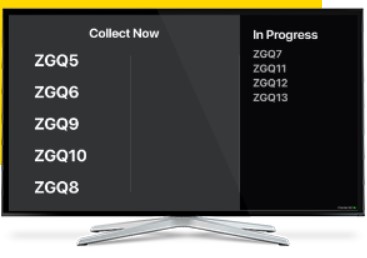
Make order information available to connected preparation workflows such as the Kitchen Display System.

Receipt workflow

Prepare completed transaction information for bill and receipt output as part of the checkout process.

Put a connected POS at the center of your service workflow

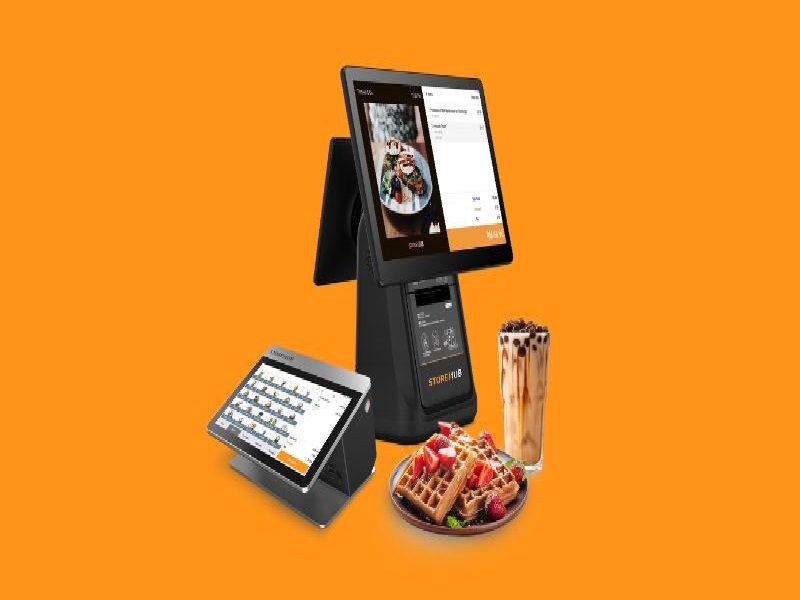
Explore plans for your restaurant or talk with us about terminals, kitchen displays, customer screens and the combination of POS tools your operation requires.

Explore Plans Talk to Sales
;