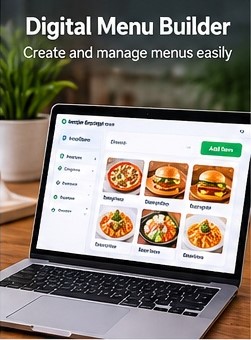
Create and maintain a structured digital menu with categories, items, pricing, descriptions and visual content—without rebuilding your website whenever the menu changes.
Digital Menu Builder gives restaurant teams a central place to organize the customer-facing menu. Build logical categories, maintain individual item information, update pricing and descriptions, and keep the digital presentation aligned with day-to-day operations. This approach is especially useful when menus change seasonally, prices need adjustment, new dishes are introduced or temporary items need to be managed without another design and print cycle.
These tools focus on the content-management work behind a good customer menu—from category structure to individual item presentation and publishing.
Create and organize menu sections so guests can browse food and beverage groups logically.
Maintain customer-facing item names, descriptions, pricing and other configured details.
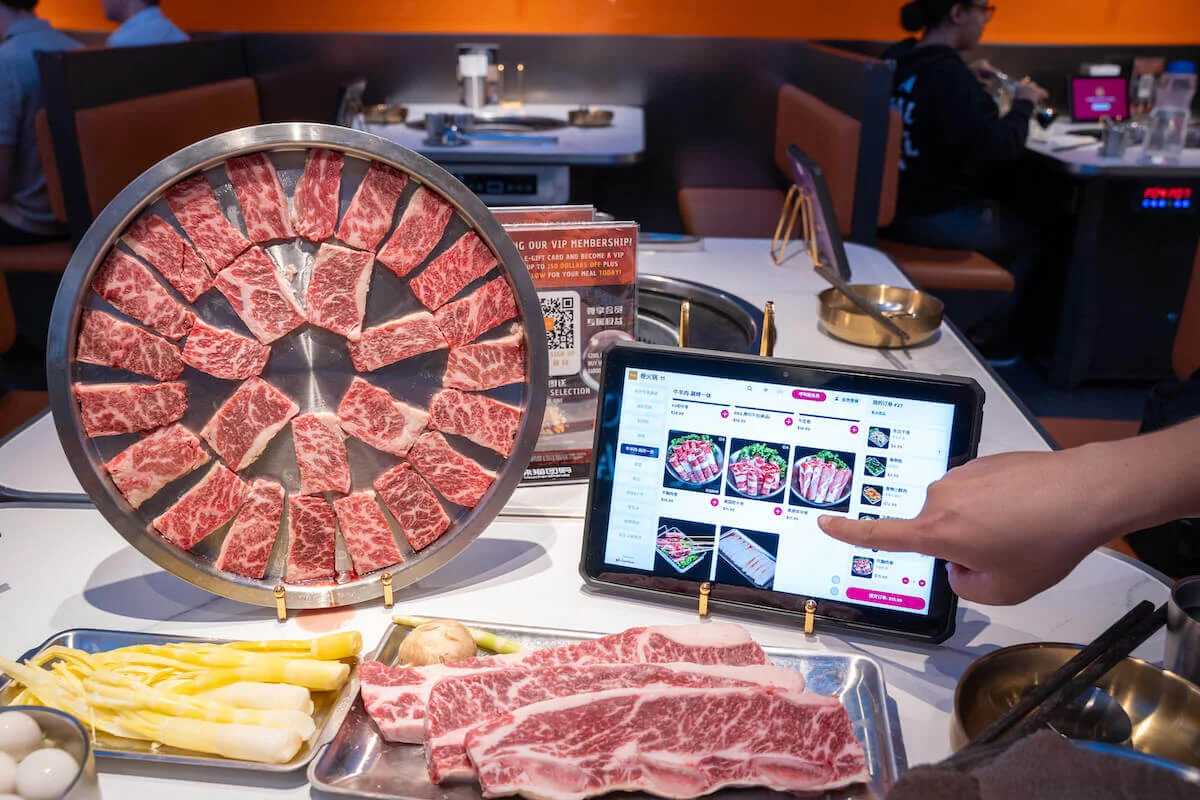
Associate useful food or product imagery with menu items for a more visual experience.
Keep the guest-facing menu aligned with items that should currently be shown or offered.
Arrange content in a structure that supports faster browsing and easier ongoing maintenance.
Reflect menu changes digitally without requiring a new printed menu or a website rebuild.
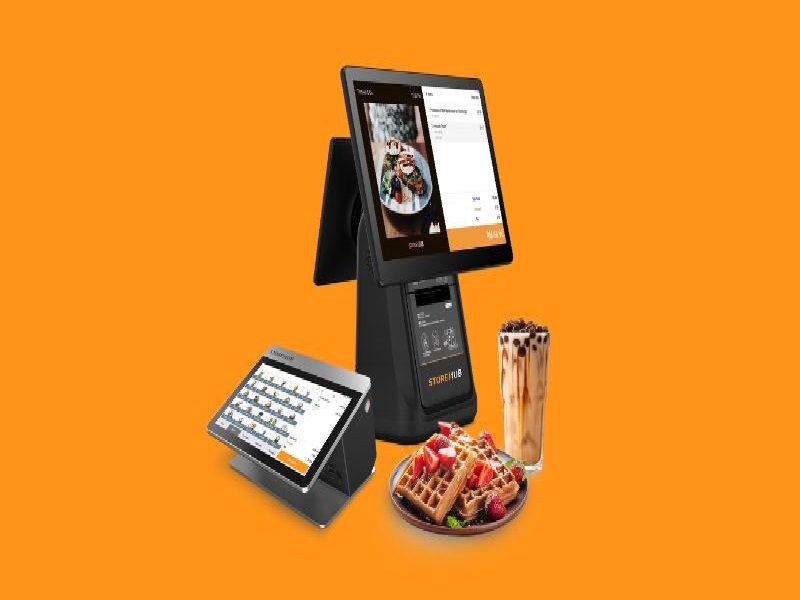
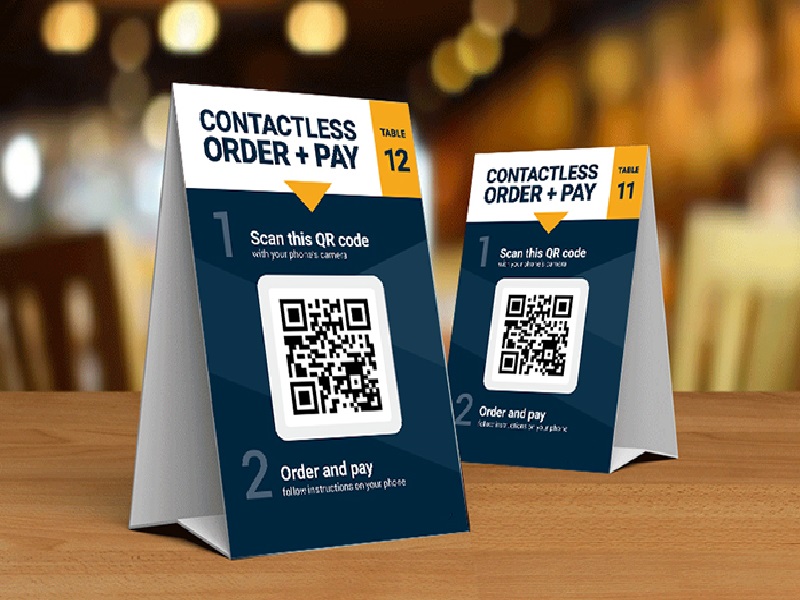
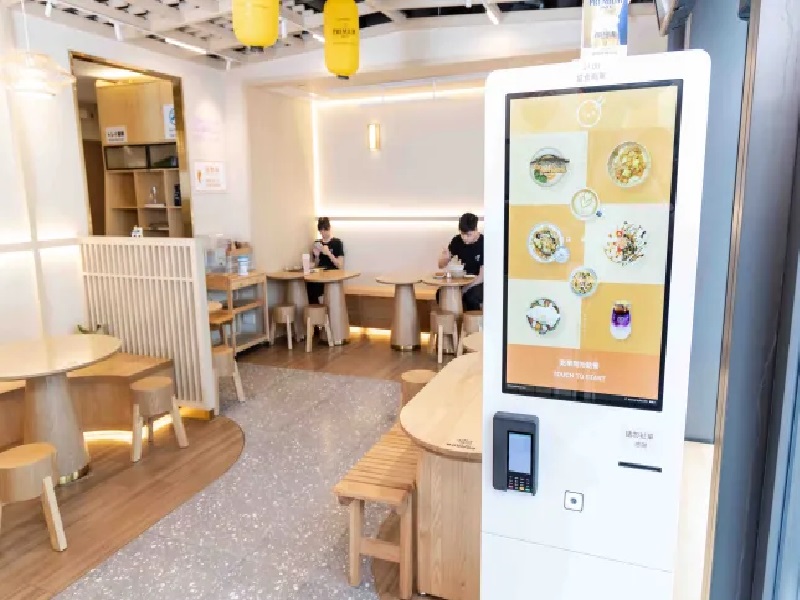
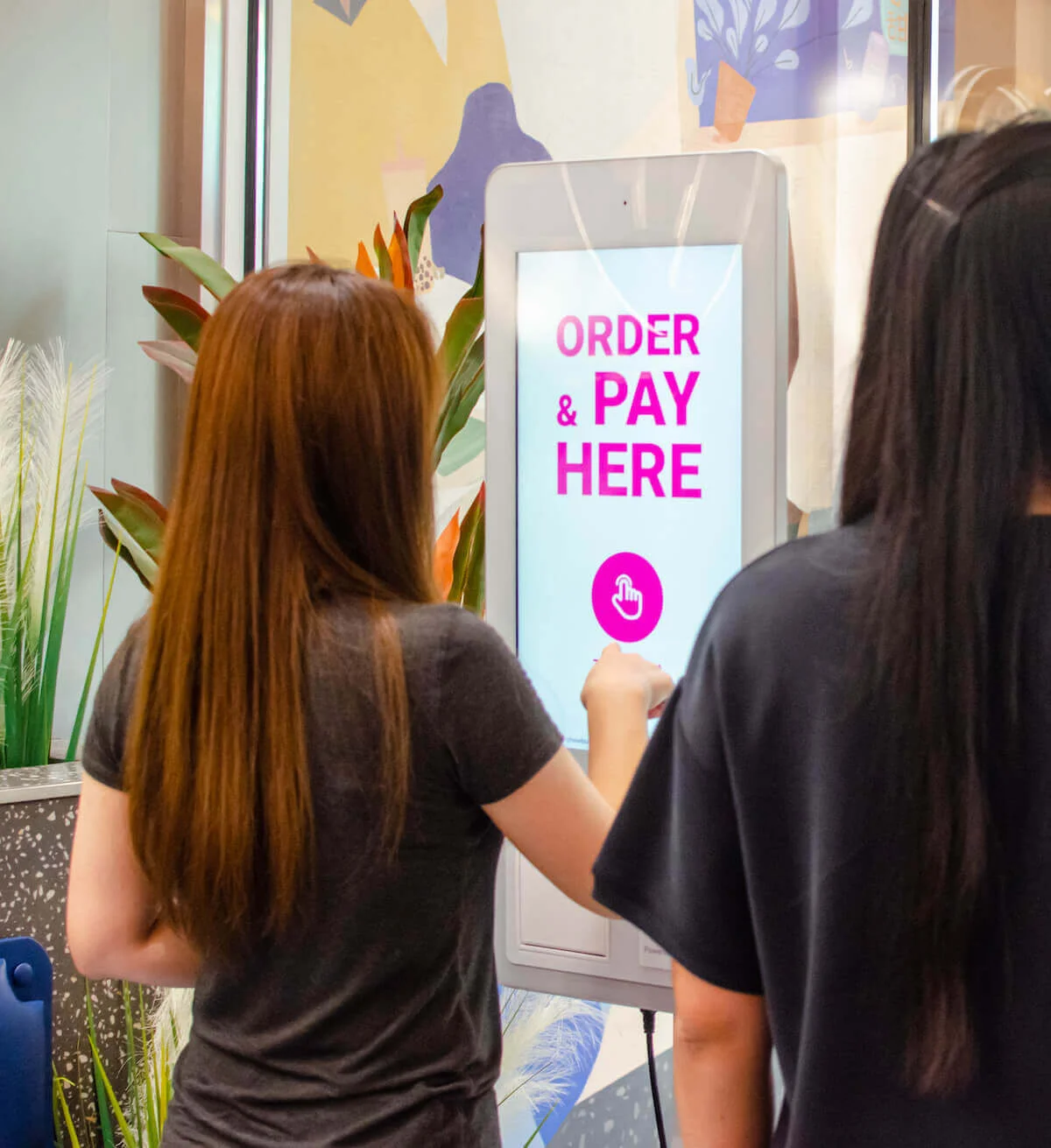
Use the Digital Menu Builder as the content foundation for QR menus, image-rich browsing and supported digital ordering experiences.
Explore Plans Talk to Sales