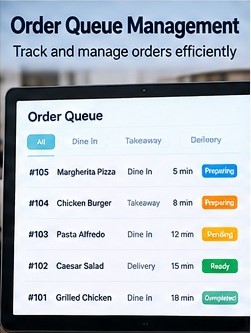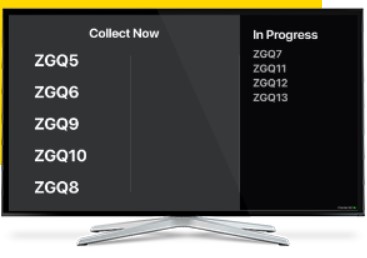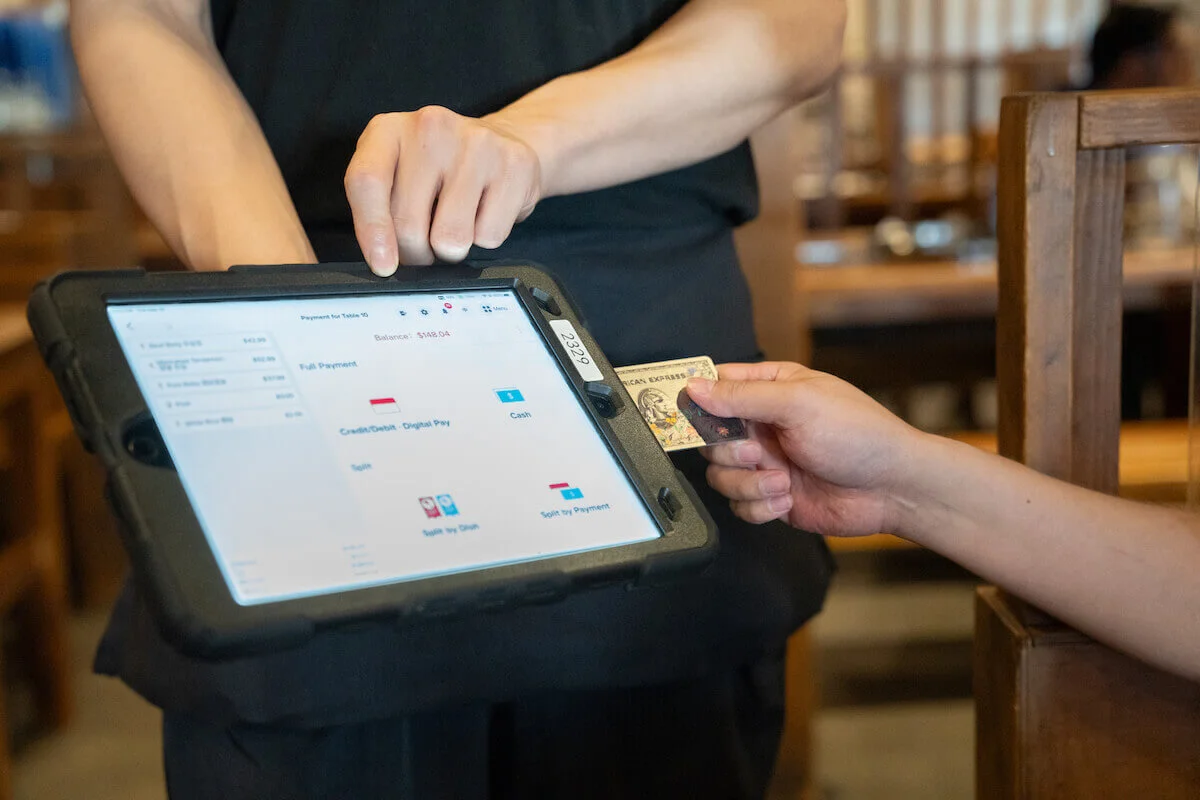
Organize active orders by status so staff can quickly see what is waiting, being prepared, ready for pickup or completed across the service workflow.
When orders arrive from different channels, teams need a simple way to understand what requires attention. Order Queue Management creates a structured operational view of current work and its progress. This can help staff coordinate handoffs between ordering, preparation and collection while reducing reliance on memory or scattered paper notes during busy periods.
Queue tools focus on operational movement—what has arrived, where it is in the process and what the team should handle next.
Bring current orders into a common operational view rather than relying on separate manual tracking.
Distinguish orders that are new, in progress, ready or completed according to the configured workflow.
Retain useful context such as dine-in, takeaway or other configured order types in the queue.
Help staff identify older or attention-sensitive orders from the active workload.
Make it easier for teams to understand when an order has moved from one service stage to another.
Move finished work out of the active queue while retaining a clear operational progression.
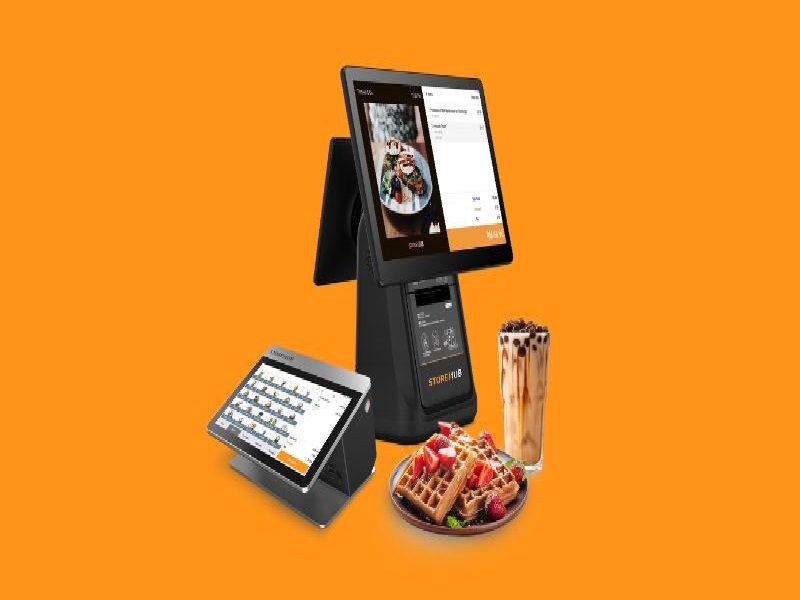
Use Order Queue Management alongside POS, KDS and customer-facing screens to create a clearer flow from order entry through preparation and collection.
Explore Plans Talk to Sales